How to Get Professional Audio While Gaming or Streaming
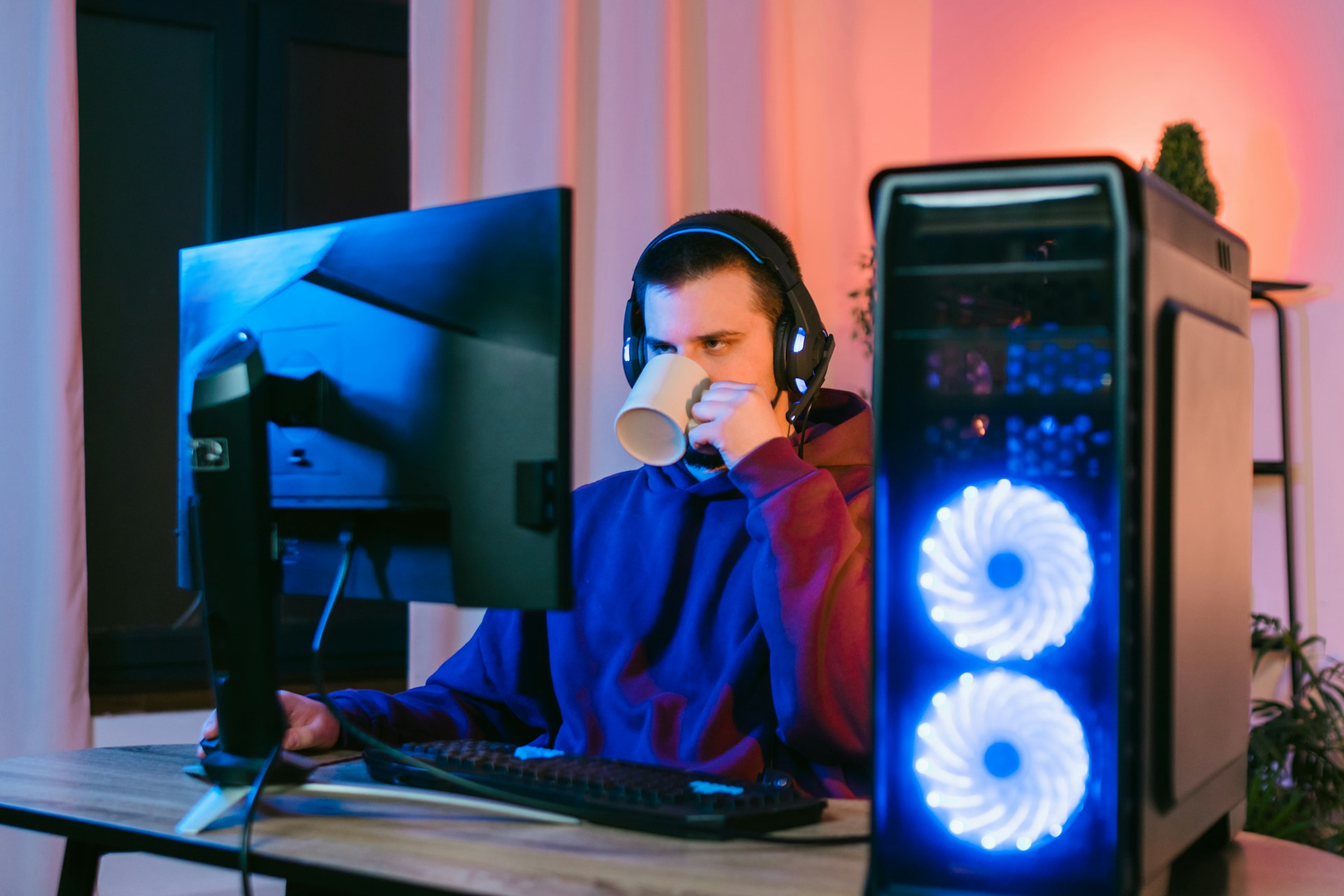
When people think about improving their gaming or streaming setup, they often focus on graphics cards, monitors, lighting, keyboards, or cameras first. While those upgrades can matter, one of the biggest factors in how professional you appear online is much simpler: your audio.
Viewers will tolerate average video quality far longer than they will tolerate bad sound. If your microphone is muffled, full of background noise, too quiet, distorted, or inconsistent, it can make even a great stream feel lower quality. On the other hand, clear, rich audio instantly makes your setup feel more polished.
The good news is that getting professional audio while gaming or streaming no longer requires a massive budget. With the right microphone, placement, and settings, you can sound dramatically better without overspending.

Why Audio Matters So Much
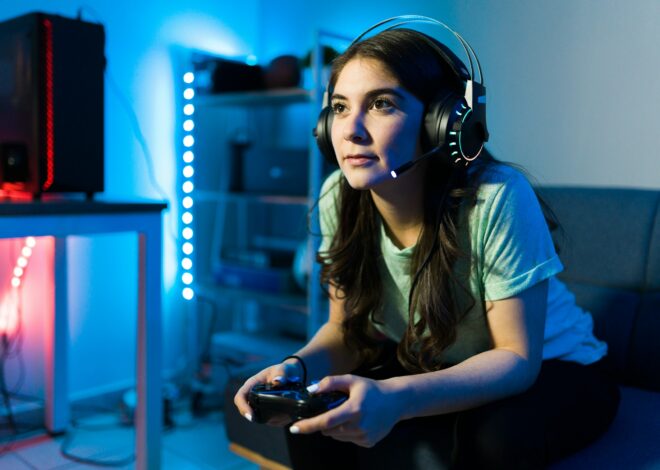
Audio creates connection. Whether you are gaming with friends, building a Twitch audience, posting YouTube videos, recording a podcast, or chatting during multiplayer sessions, your voice is how people experience your personality.
Strong audio helps with:
- Clear communication during games
- Better audience retention on streams
- More polished YouTube content
- Professional first impressions
- Easier collaboration with others
- Less listener fatigue over long sessions
When viewers hear clean, balanced audio, they subconsciously associate it with higher quality content.
The Biggest Mistake People Make
A common mistake is relying only on a built-in headset mic or laptop microphone. While convenient, these often pick up keyboard sounds, room echo, fan noise, and inconsistent vocal tone.
That can create a thin or distant sound that does not reflect the effort you are putting into your content.
Even an affordable dedicated microphone can be a major upgrade.
Choose the Right Type of Microphone
For gaming and streaming, many creators prefer dynamic microphones. Dynamic mics are popular because they naturally reject more room noise than many condenser microphones. That can be especially useful if you have:
- Mechanical keyboards
- PC fan noise
- Air conditioning sounds
- Busy households
- Untreated rooms
They also tend to produce a focused, broadcast-style sound when positioned correctly.
A Smart Affordable Option on Amazon
If you want professional-style audio without spending premium money, affordable microphones on Amazon have become surprisingly strong options.
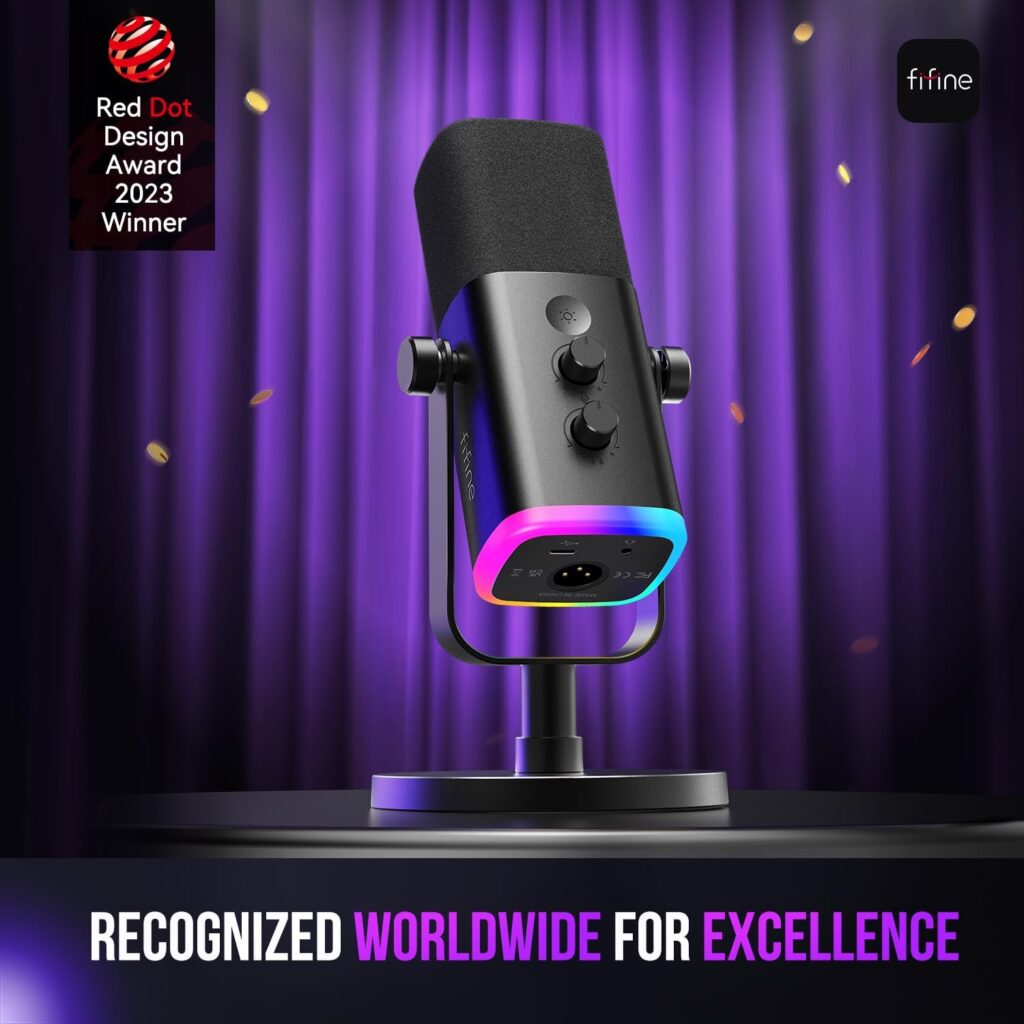
One example is the FIFINE USB/XLR Dynamic Microphone AmpliGame AM8. This microphone is appealing because it gives users flexibility with both USB and XLR connections.
That means beginners can simply plug it into a PC or console using USB and get started quickly, while users who want to grow later can use XLR with an audio interface or mixer for more advanced control.
That type of upgrade path can be valuable because it lets one microphone grow with your setup.
Why USB + XLR Is Useful
Many people start with USB because it is easy:
- Plug and play setup
- No interface required
- Fast installation
- Great for new streamers
- Useful for gaming chats and content creation
Later, if you want more control over gain staging, processing, or multi-device setups, XLR can unlock additional flexibility.
That makes dual-connection microphones a practical long-term buy.
Features That Actually Matter
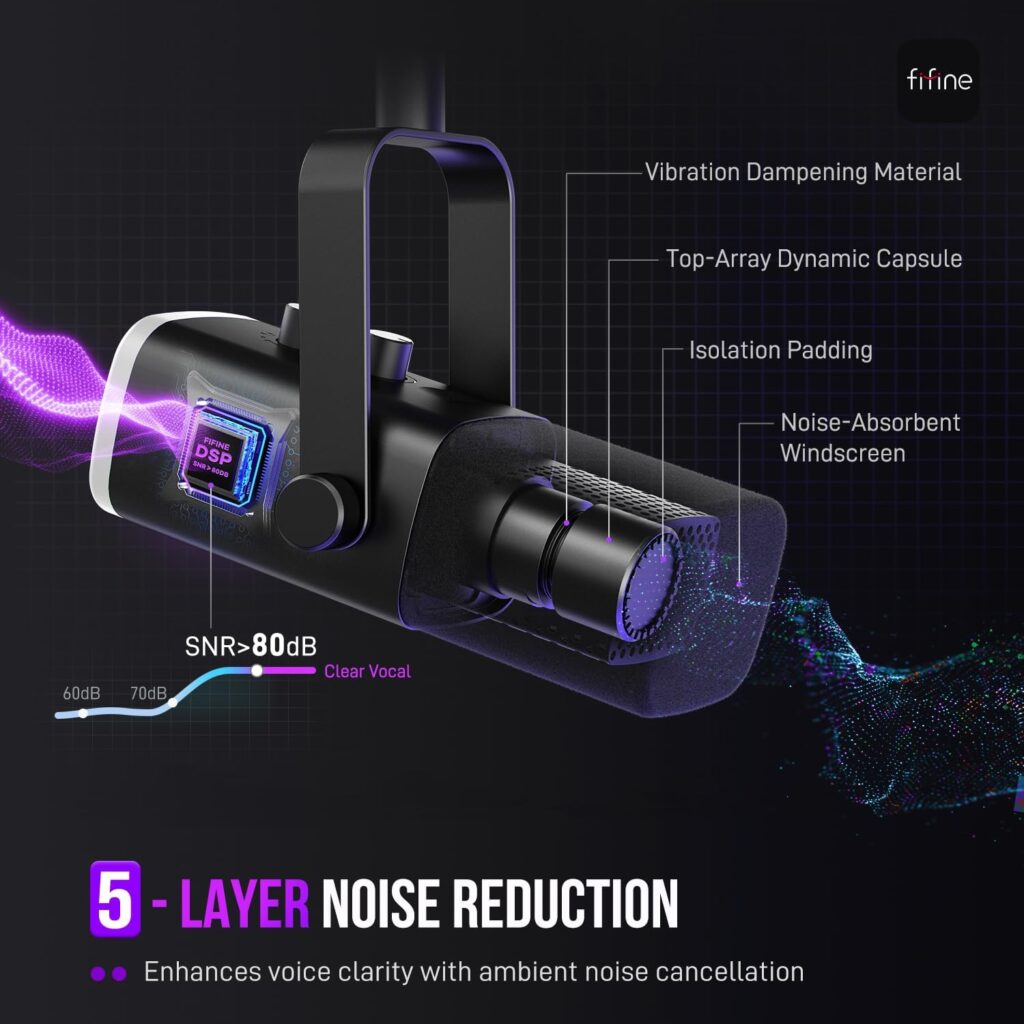
Some microphones include extras that are genuinely useful during gaming or streaming.
The FIFINE USB/XLR Dynamic Microphone AmpliGame AM8 includes features like:
- Tap-to-mute button for privacy during streams or calls
- Headphone jack for live monitoring
- Gain control knob for quick adjustments
- Desktop stand for immediate use
- RGB lighting for gaming desk aesthetics
- Cardioid pickup pattern to focus on your voice
These convenience features can make everyday use easier, especially for creators who do not want a complicated setup.
Positioning Matters More Than Price
One of the biggest secrets to professional audio is microphone placement.
Even expensive microphones can sound poor if placed too far away. Many people leave the mic across the desk and expect studio results.
Instead:
- Keep the mic relatively close to your mouth
- Aim it correctly based on design
- Speak consistently toward it
- Reduce distance whenever possible
For dynamic microphones, being within a few inches often creates fuller, cleaner sound than speaking from across the room.
That one adjustment alone can transform your audio.
Reduce Background Noise
You do not need a fully treated studio to sound better. Small improvements can help a lot.
Try:
- Closing doors and windows
- Turning off loud fans when possible
- Moving keyboard slightly off-axis from mic
- Using rugs, curtains, and furniture to soften echo
- Positioning mic away from PC exhaust fans
A cardioid microphone pattern can also help reject unwanted sounds from the sides and rear.
Use Monitoring to Hear Yourself
Many creators never listen to their own live audio, which can cause issues to go unnoticed.
A microphone with headphone monitoring lets you hear how you sound in real time. That helps catch:
- Audio clipping
- Low volume
- Excessive plosives
- Background noise
- Mute mistakes
- Tonal issues
This is why headphone jacks built into microphones can be genuinely useful, not just a bonus feature.
Dial In Your Gain Properly
Gain is how sensitive the microphone input is. Too low and you sound weak. Too high and you sound distorted or noisy.
Aim for a healthy level where:
- Your normal speaking voice is clear
- Louder reactions do not clip badly
- Background noise stays controlled
Many affordable mics now include onboard gain knobs, which makes quick adjustments much easier than digging through software menus.
Audio Quality Helps Small Creators Grow
If you are trying to grow on Twitch, YouTube, Kick, Discord communities, or social platforms, audio can become a competitive advantage.
Thousands of creators may play the same game, but not all of them sound professional.
Good audio can make you feel:
- More trustworthy
- More established
- More enjoyable to listen to
- Easier to understand
- Higher effort
That can help viewers stay longer and come back.
Looks Matter Too
Streaming is visual, so setup aesthetics still matter. That is one reason many creators enjoy microphones with RGB lighting or modern designs.
The FIFINE USB/XLR Dynamic Microphone AmpliGame AM8 includes customizable lighting that can match gaming setups, especially in dim rooms with LED desk themes.
While sound quality comes first, it does not hurt when gear also looks good on camera.
Professional Audio Without Overspending
Many people assume they need to spend hundreds of dollars before they can sound serious online. That is no longer true.
Affordable microphones today can deliver:
- Clear vocal tone
- Strong noise rejection
- Useful controls
- USB simplicity
- Future XLR expansion
- Good visual presence
For newer creators, casual streamers, or gamers wanting cleaner voice chat, this can be more than enough.
A Simple Starter Setup
If you want fast results:
- Get a dedicated dynamic microphone
- Place it close to your mouth
- Lower room noise where possible
- Set gain properly
- Monitor your audio
- Speak clearly and consistently
That alone can outperform many expensive but poorly used setups.
Final Thoughts
Getting professional audio while gaming or streaming is one of the smartest upgrades you can make. Better sound helps viewers enjoy your content, makes communication easier, and gives your setup a more polished feel.
You do not need a massive studio budget to make it happen. Affordable options like the FIFINE USB/XLR Dynamic Microphone AmpliGame AM8 show how accessible quality audio has become, especially for creators who want USB simplicity now and XLR flexibility later.
In a world full of average setups, clear audio can help you stand out immediately.