
A Beginner’s Guide to Choosing the Right Laptop for Your Needs

Buying a new laptop can feel like trying to speak a foreign language. Between terms like “RAM,” “SSD,” and “processor speed,” it’s easy to feel lost in the sea of specs and options. But choosing the right laptop does not have to be overwhelming, especially when you understand what actually matters for your needs. Whether you are a student, a remote worker, a gamer, or just someone who needs a reliable device for everyday life, this guide will walk you through the key things to consider before you buy.
As you explore options from trusted brands like Lenovo, understanding your needs and the specs behind each device will help you make a confident choice.
Lenovo
Step 1: Identify How You’ll Use Your Laptop
Before you start comparing specs or prices, the most important step is to define what you will be using the laptop for. The right computer for a college student is very different from one for a graphic designer or someone who only needs to browse the web.
Here is a breakdown of the main categories:
- Everyday Use: For basic tasks like web browsing, streaming, and email, you do not need a powerhouse. A midrange processor, 8 GB of RAM, and a 256 GB SSD will do the job.
- Students: A lightweight laptop with long battery life is key. Look for models that balance performance and portability, such as many options from Lenovo.
- Business or Professional Work: Choose something durable with strong multitasking power, excellent build quality, and added security features, like the Lenovo ThinkPad series.
- Creative Work (Design, Video, Photography): You will need a higher-end processor, dedicated graphics card, and a bright, color-accurate display.
- Gaming or Heavy Performance: Look for a laptop with a powerful GPU, high-refresh-rate screen, and advanced cooling system, such as models from Lenovo Legion.
Once you know your use case, the rest of your decisions become much easier.
Step 2: Understand Key Laptop Specs (and What They Actually Mean)
Processor (CPU)
Think of the CPU as the brain of your laptop. It handles all your main tasks.
- Intel Core i3 / AMD Ryzen 3: Good for basic web browsing, writing, and streaming.
- Intel Core i5 / Ryzen 5: Ideal for most users who multitask or use light creative apps.
- Intel Core i7 / Ryzen 7: Great for professionals, gamers, and creative work.
- Intel Core i9 / Ryzen 9: High-end processors built for advanced gaming, video editing, and heavy workloads.
For most users, an i5 or Ryzen 5 is the sweet spot between cost and performance.
RAM (Memory)
RAM affects how many programs your computer can handle at once.
- 8 GB: Minimum for smooth everyday performance.
- 16 GB: Better for multitasking and creative work.
- 32 GB or more: Ideal for video editing, programming, or gaming.
Storage (SSD vs. HDD)
Your storage determines how much space you have for files and how fast your laptop feels.
- SSD (Solid State Drive): Fast, quiet, and reliable. Great for almost all users.
- HDD (Hard Disk Drive): Slower but cheaper with more storage capacity.
Always choose an SSD if possible. Even a 256 GB SSD will feel lightning-fast compared to older hard drives.
Graphics (GPU)
If you play games, edit videos, or work with 3D design, a good GPU is essential.
- Integrated graphics: Fine for everyday tasks and light photo editing.
- Dedicated GPU (like NVIDIA GeForce or AMD Radeon): Necessary for gaming, rendering, and creative work.
Display
- Look for at least Full HD (1920×1080) resolution.
- For creative work, choose an IPS display for better color accuracy and viewing angles.
- If you travel often, consider 13–14 inches. For multitasking, 15–16 inches is ideal.
Battery Life
A good laptop should last 8–12 hours on a single charge for productivity use. Many
Lenovo laptops
are known for strong battery performance across student and business models.
Lenovo
Step 3: Consider Your Lifestyle
A great laptop is not just about specs; it is about how it fits into your daily routine.
- For travel: Choose something lightweight with a durable build, strong hinges, and long battery life, like many Lenovo IdeaPad or Yoga models.
- For work-from-home: A larger screen or external monitor compatibility may matter more than portability.
- For hybrid users: A 2-in-1 laptop that doubles as a tablet, such as the Lenovo Yoga,
offers maximum versatility.
Also consider port selection, since USB-C, HDMI, and SD card slots can make your life much easier.
Step 4: Choose the Right Operating System
- Windows: Offers the widest variety of laptops and the most flexibility for work, gaming, and apps. Most Lenovo laptops run Windows, making them a strong choice for beginners and professionals.
- macOS: Smooth performance, but typically higher price and limited hardware choices.
- ChromeOS: Simple, affordable, and secure, but limited if you need advanced software.
Step 5: Build Quality and Comfort Matter More Than You Think
Performance is important, but so is how the laptop feels. If you plan to type for hours, you will appreciate a solid keyboard and responsive touchpad. Devices like the Lenovo ThinkPad are well known for excellent keyboards and durable builds.
Even small details like hinge strength and keyboard travel play a big role in long-term comfort.
Step 6: Connectivity, Ports, and Extras
Modern laptops are thinner than ever, which often means fewer ports. Before you buy, consider what you will plug into it.
- USB-C ports for charging and fast data transfer.
- HDMI for external monitors and projectors.
- Headphone jack for audio.
- SD card reader for photographers and creators.
- Good webcam and microphone for meetings and classes.
Look for Wi-Fi 6 and Bluetooth 5.0 support for faster, more stable connections, which many recent
Lenovo models include.
Lenovo
Step 7: Set a Realistic Budget
Price does not always equal performance. A well-balanced midrange laptop can outperform a poorly configured expensive one.
- Under $500: Basic models for web browsing and light productivity.
- $500–$900: Midrange options ideal for students and most professionals.
- $1,000 and up: Premium devices for gaming, creators, and intensive workloads.
Focus on long-term value. Many Lenovo laptops offer strong durability and performance that hold up over years of use.
Step 8: Recommended Laptops for Different Needs
Now that you know what to look for, here are some standout categories from Lenovo, one of the most trusted names in modern computing.
For Everyday Use and Students
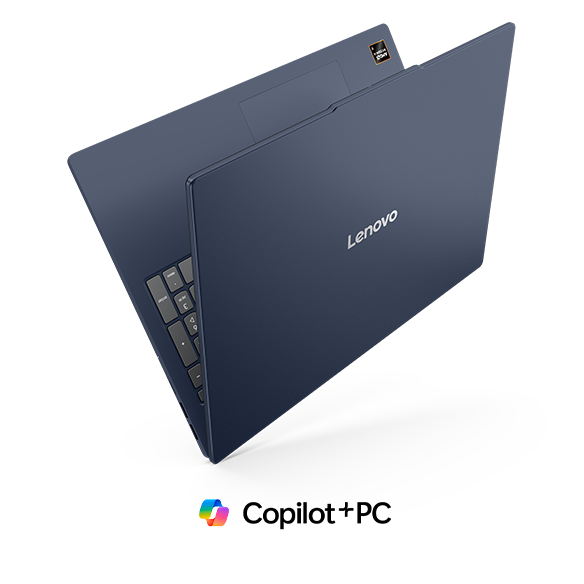
The Lenovo IdeaPad series is perfect for beginners and students. Lightweight, affordable, and available with fast SSD storage, models like the IdeaPad 3 or 5 deliver reliable performance for everyday use.
For Professionals and Remote Workers
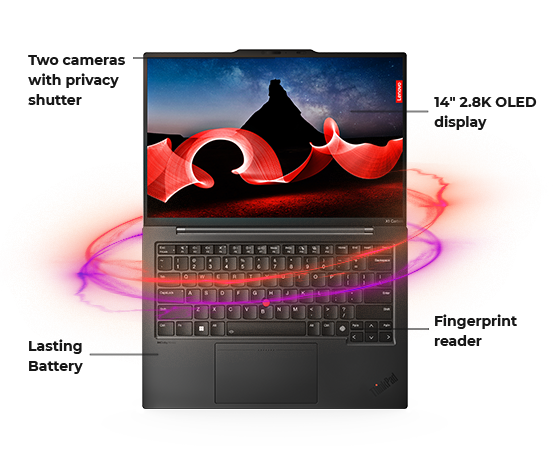
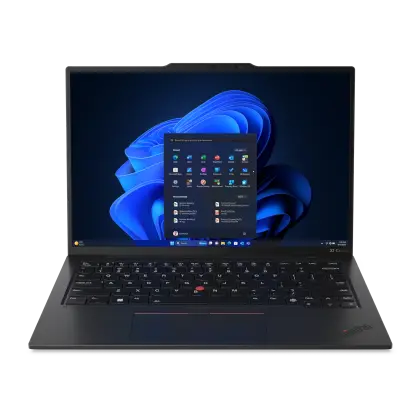
The Lenovo ThinkPad line is known for durability, premium keyboards, and strong security features. Devices like the X1 Carbon are ideal for professionals who need reliability and long battery life.
For Creators and Flexible Workers
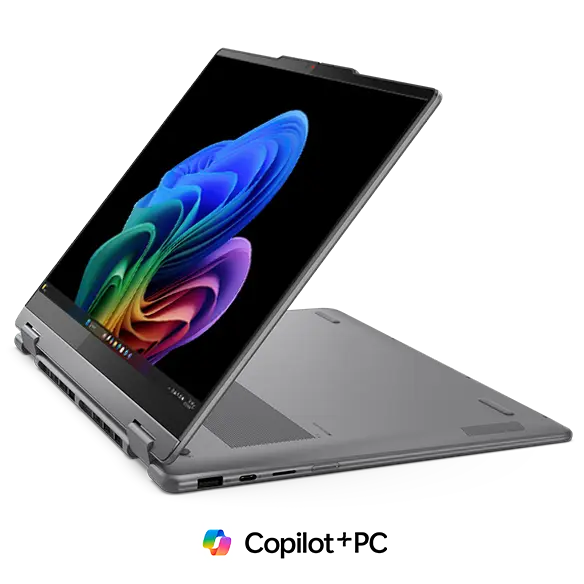
The Lenovo Yoga series offers 2-in-1 flexibility with touchscreen displays, making them great for design, note-taking, and presentations.
For Gamers and Power Users
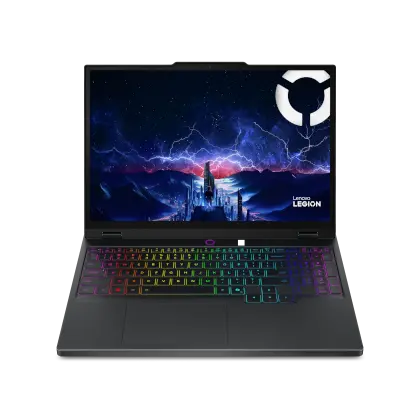
The Lenovo Legion series delivers powerful GPUs, high-refresh-rate displays, and advanced cooling for gaming and demanding creative tasks.
Lenovo’s range truly covers every kind of user, from students to professionals and hardcore gamers.
Lenovo
Step 9: Read Reviews and Compare
Even if you have narrowed down your options, take time to read reviews from real users. Look for feedback on battery life, keyboard comfort, build quality, and heat management, especially for performance-focused devices like Lenovo Legion or thin-and-light Yoga models.
Step 10: Think Long-Term
A good laptop should last at least 4–6 years with proper care.
- Keep your system updated.
- Clean vents and surfaces to prevent overheating.
- Use a padded case when traveling.
- Leave some free storage space for smooth performance.
Choosing a device that allows RAM or storage upgrades, which some Lenovo models do, can also extend its lifespan.
Lenovo
Final Thoughts
Buying your first laptop does not have to be stressful. When you understand how your needs connect to key features like performance, display, and battery life, the process becomes simple and even exciting.
Whether you are a student searching for reliability, a professional who needs multitasking power, or a creative who wants flexibility, the right laptop is out there.
Brands like
Lenovo
make it easier by offering a wide range of options for every lifestyle. From the affordable and lightweight IdeaPad to the powerful and versatile Yoga and Legion lines, their lineup combines smart design, long-lasting performance, and dependable quality.
The best laptop is not necessarily the most expensive one; it is the one that fits you. Take your time, understand what matters most for your workflow, and choose a device that will support you for years to come. Once you find the perfect fit, you will see that a well-chosen laptop is not just a piece of tech, it is a tool that helps you learn, create, and grow every day.
Lenovo