How to Set Up Your Living Room for Super Bowl Sunday
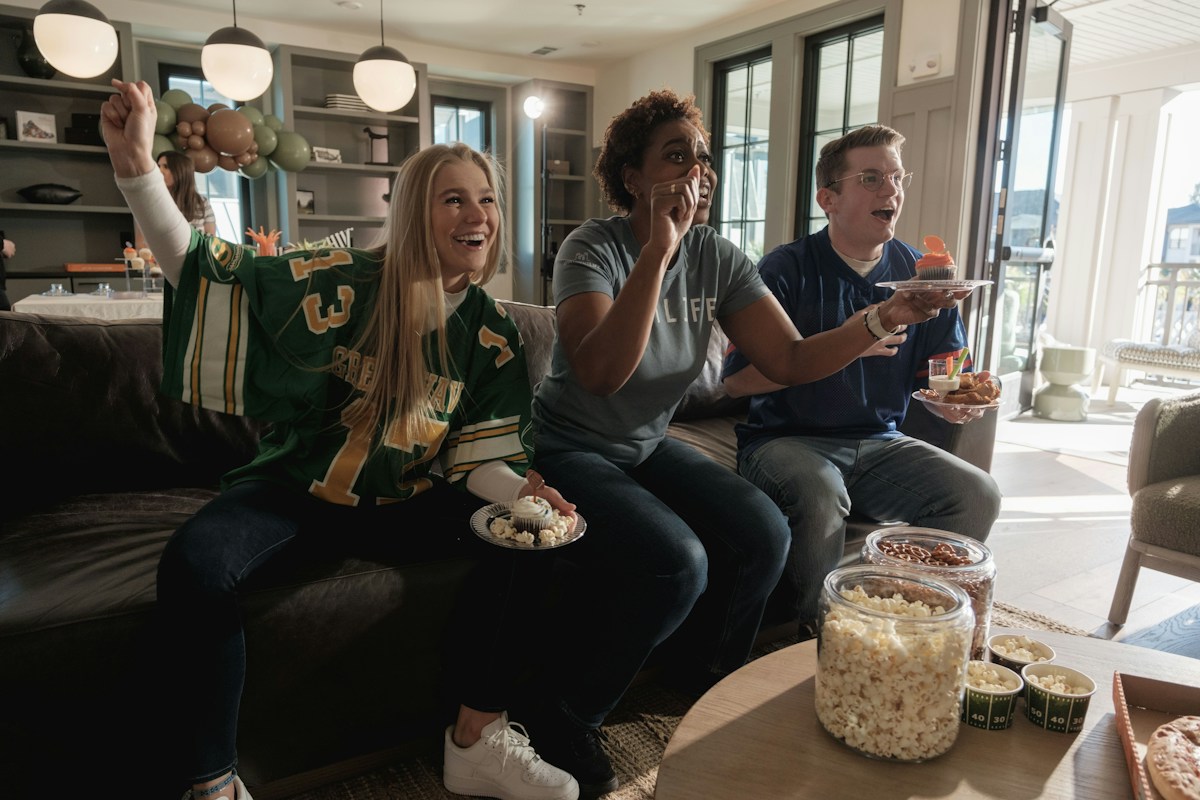
Super Bowl LXI is on Sunday, February 14, 2027, at SoFi Stadium in Inglewood, California. Yes, that is Valentine’s Day, so plenty of people will be hosting a game-day party and a dinner in the same week.
This year the game airs on ESPN and ABC, with streams on Disney+ and the ESPN app, and kickoff is set for 6:30 p.m. Eastern. The playoffs start in January, which gives you about two months to get the room ready.
Here is what actually makes a living room work for a big game: the right screen size, a TV that handles fast motion, sound you can hear over a crowd, and seats where nobody has to crane their neck.
1. Pick a Screen Size That Fits Your Couch Distance
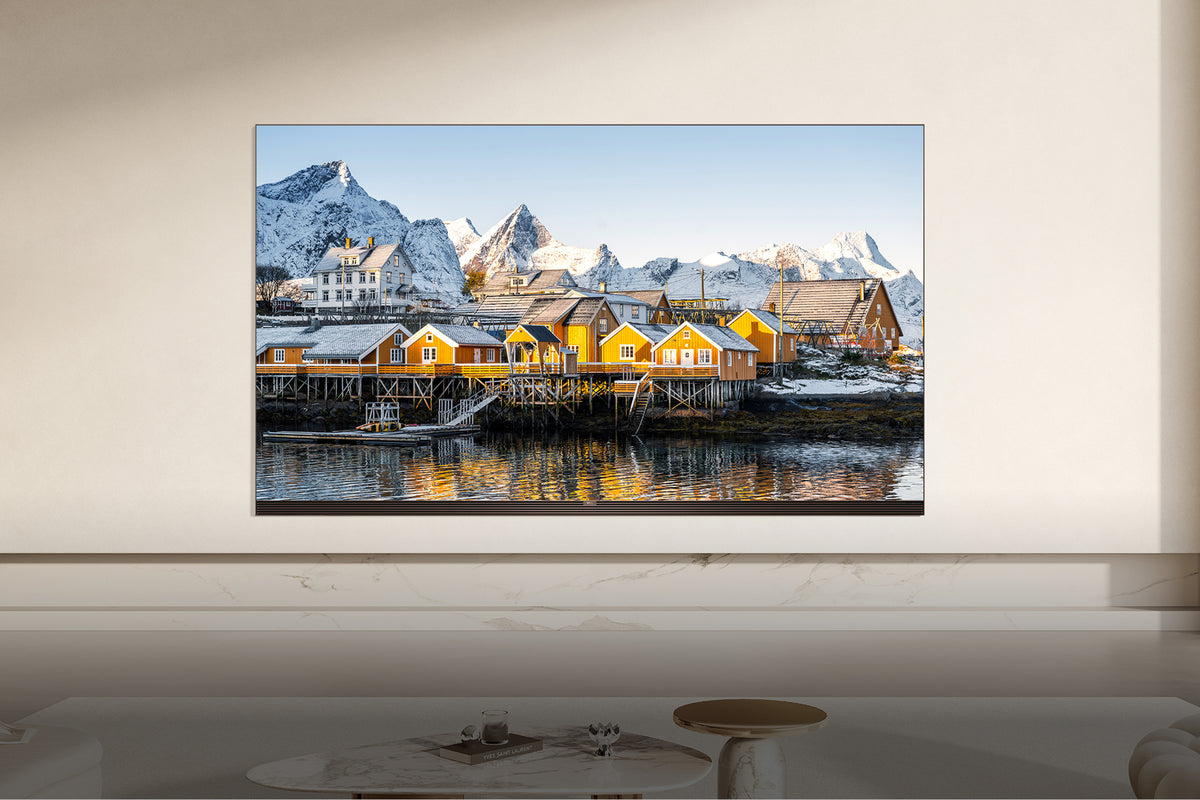
Measure from where people sit to where the TV will hang before you shop. For a 4K TV, a good rule is to divide that distance in inches by about 1.2 to 1.5 to get a screen size that fills your view without looking pixelated. At 8 feet (96 inches), that works out to roughly 65 to 80 inches.
| Couch to screen | Screen size that fills your view (4K) |
|---|---|
| 5 to 6 feet | 50 to 55 inches |
| 6 to 7 feet | 55 to 65 inches |
| 7 to 8 feet | 65 to 75 inches |
| 8 to 10 feet | 75 to 85 inches |
| 10 feet or more | 85 to 98 inches |
TCL is a good place to start if you want a big screen without paying big-screen prices. Its Mini-LED TVs run Google TV and come in sizes from 55 up to 98 inches, so you can pick the size your room needs instead of the size your budget allows.
If you are torn between two sizes, go bigger. Almost nobody returns a TV for being too large, and on TCL’s site you can compare models side by side by screen size.
2. Get a TV That Handles Fast Motion and Daytime Light
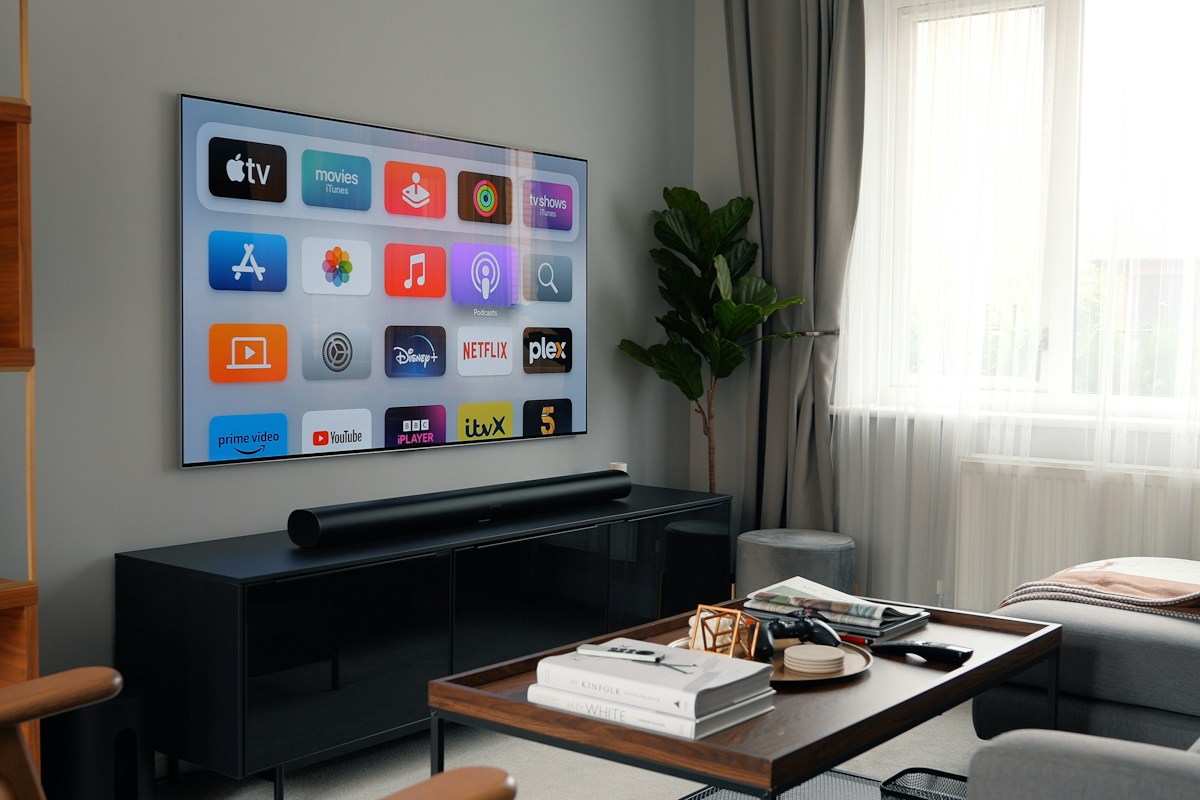
Football is hard on a TV. The ball moves fast, the camera pans constantly, and afternoon games often happen in a room full of sunlight. Two specs matter more than anything else here.
Native refresh rate: look for 120Hz or higher listed as the native refresh rate. Ignore made-up terms like “motion rate 240,” which describe processing, not the panel. A higher native rate keeps a spiral pass from smearing across the screen.
Brightness: Mini-LED and QLED TVs get much brighter than basic LED sets, which matters if your TV faces a window. If your room is bright, close the blinds behind the TV, not the ones beside it, so you cut glare without making the room dark.
3. Fix the Sound So You Can Hear the Commentary
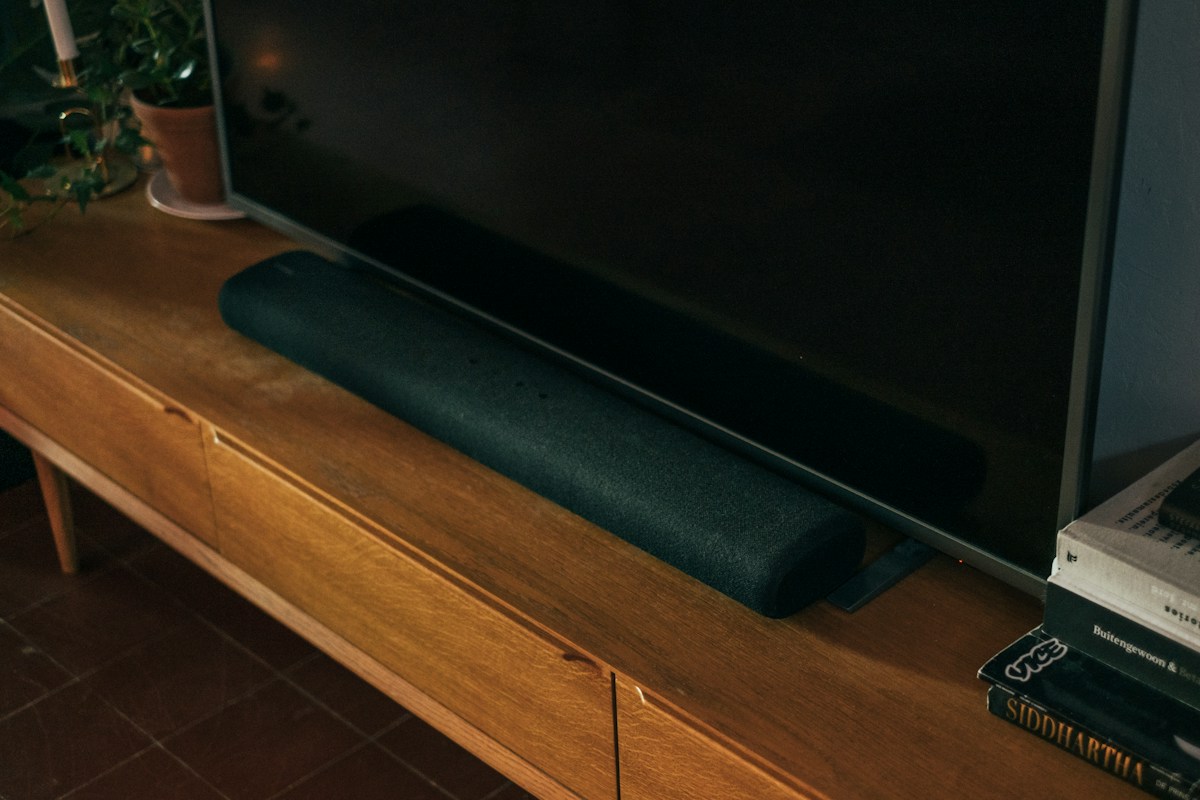
TV speakers are thin, and the announcers get buried the moment the room starts cheering. A soundbar fixes that faster than any other upgrade.
Pick one with a dedicated center channel (listed as 3.1 or higher). The center channel carries voices, so the play-by-play stays clear even when the crowd noise rises. Turn on the soundbar’s dialogue or voice mode for game day.
Connect it to the TV’s HDMI port labeled eARC or ARC. That lets one remote control the volume and passes surround sound from streaming apps to the soundbar.
4. Arrange Seating So Everyone Can See the Screen
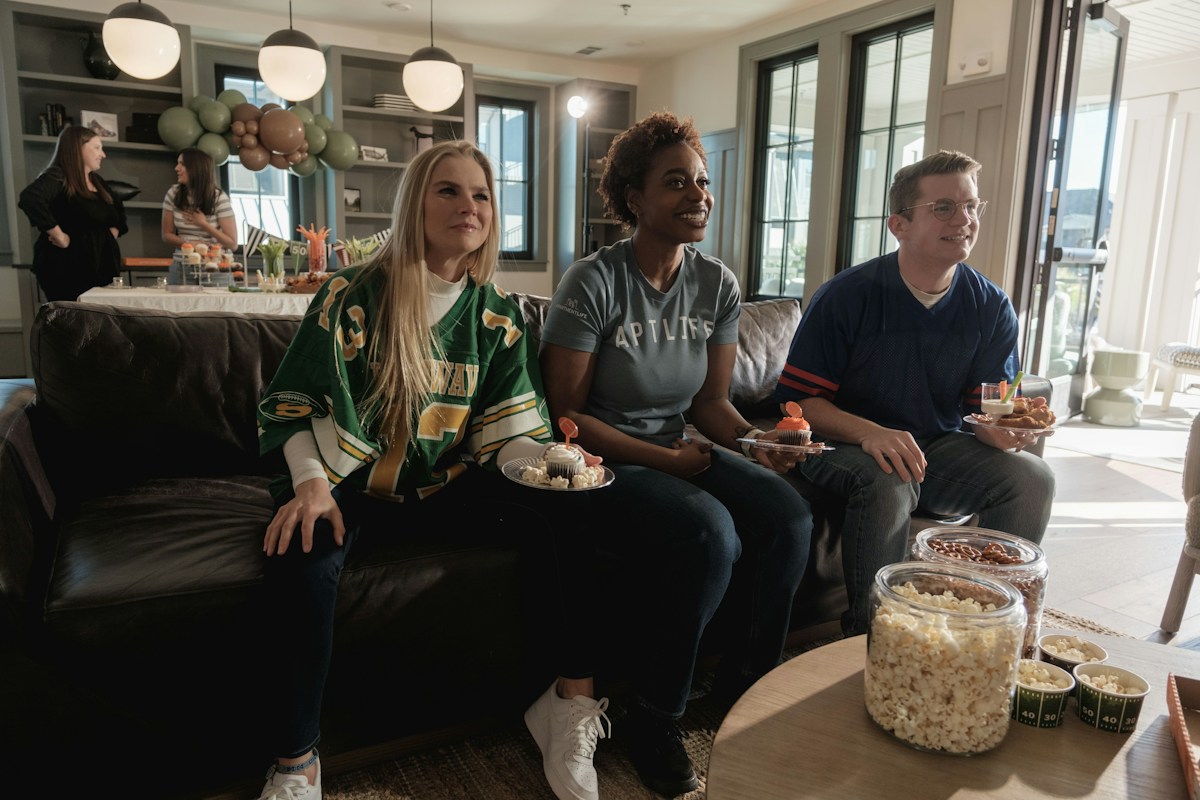
The center of the screen should sit close to eye level when people are seated, which is usually about 40 to 42 inches off the floor. Mounting a TV high over a fireplace looks clean, but it means a sore neck by the fourth quarter.
Keep the best seats within about 30 degrees of the center of the screen. Past that angle, many TVs lose color and contrast. Pull the couch straight in front of the TV, put chairs at slight angles on either side, and add floor cushions in front for kids or late arrivals.
5. Set Up Streaming Before Kickoff
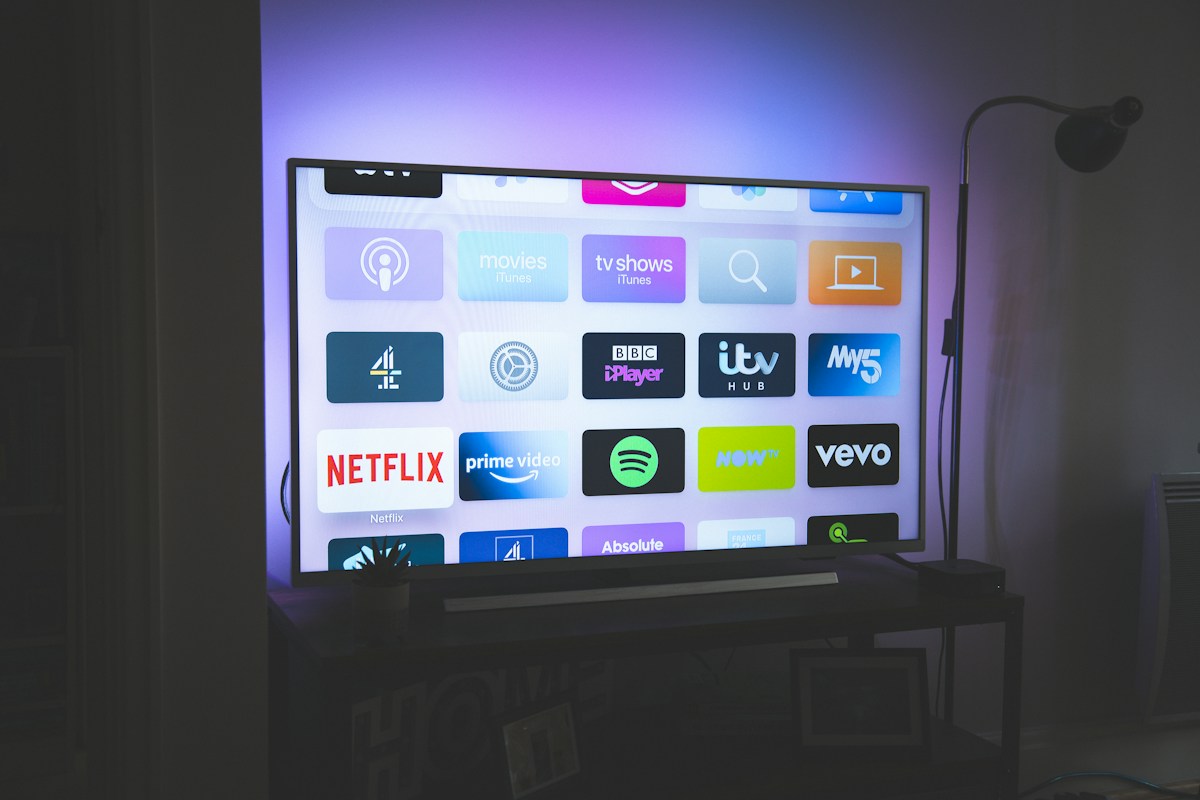
For Super Bowl LXI you have three main options: ABC over the air with an antenna (free), ESPN through a cable or live TV streaming plan, or a stream on Disney+ or the ESPN app.
An antenna is the cheapest backup if your internet drops. A flat indoor antenna costs about $20 to $40 and picks up ABC in most metro areas.
If you are streaming, plug the TV into your router with an Ethernet cable if you can. Wi-Fi gets crowded when a room full of guests is on their phones, and a wired connection keeps the picture from dropping to low resolution during the biggest play of the night.
The Night-Before Checklist
- Update the TV and every streaming app, then restart the TV
- Sign in to Disney+ or the ESPN app on the TV, not just your phone
- Run a speed test where the TV sits (aim for 25 Mbps or more for 4K)
- Switch the picture mode to Sports or Standard and turn the soundbar’s dialogue mode on
- Charge the remotes and put fresh batteries in the spare
- Clear the TV stand and the path to the bathroom
Ten minutes the night before saves you from rebooting the TV while everyone stares at a loading wheel.
If something still goes wrong at kickoff, unplug the TV for 30 seconds before you touch any settings. It fixes most app freezes faster than anything else.
6. Put the Snacks Where They Will Not Block the View
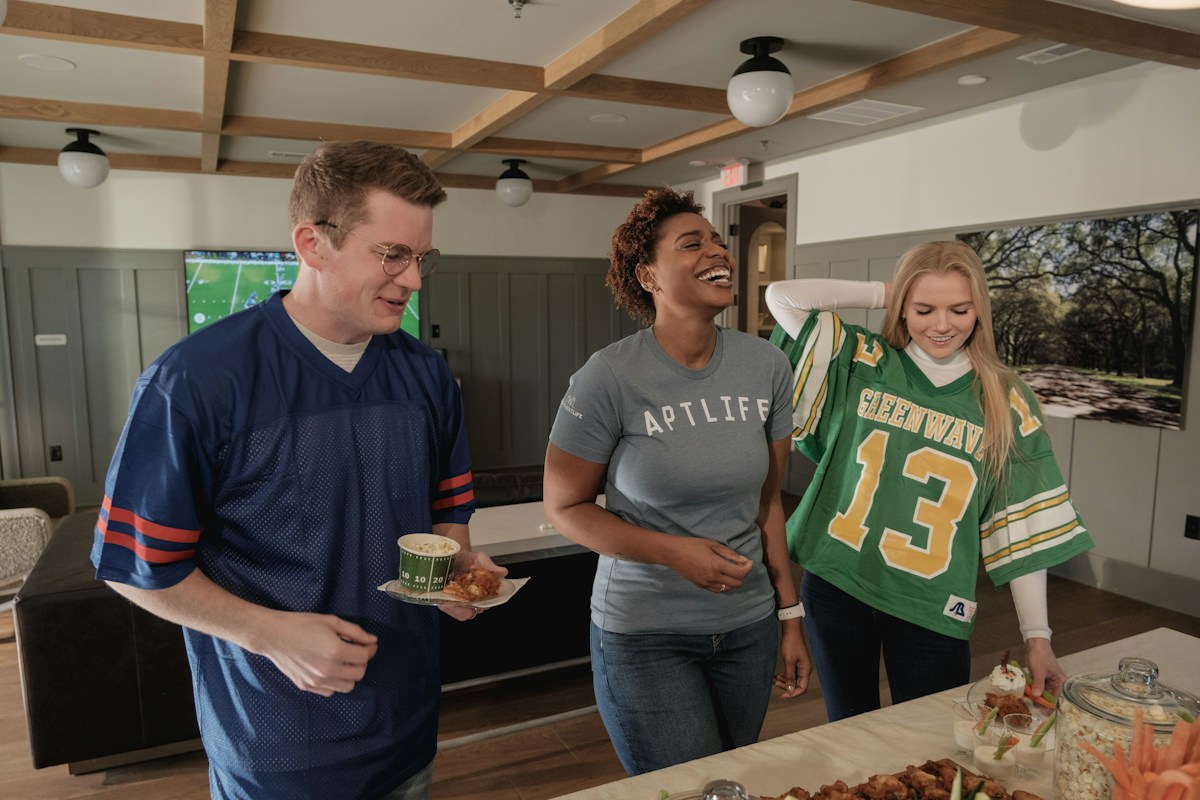
Set food up on a kitchen island or a side table off to one side of the TV, never on a coffee table directly in front of it. People stand while they fill their plates, and that is how someone ends up blocking a touchdown.
Plan for two rounds: one spread at kickoff and a refill at halftime. Keep drinks in a cooler next to the seating so no one has to walk in front of the screen, and put coasters out before the game, not after the first spill.
Final Thoughts
A great game-day room comes down to four things: a screen sized for your couch, a TV that handles fast motion, clear sound for the commentary, and seats with a straight view. Get those right and the room works for the playoffs, the Super Bowl and every movie night after.
Read now: How to Get the Most Bang for Your Buck When Buying Your Next TV