
Why You Should Be Using a Trackball Computer Mouse
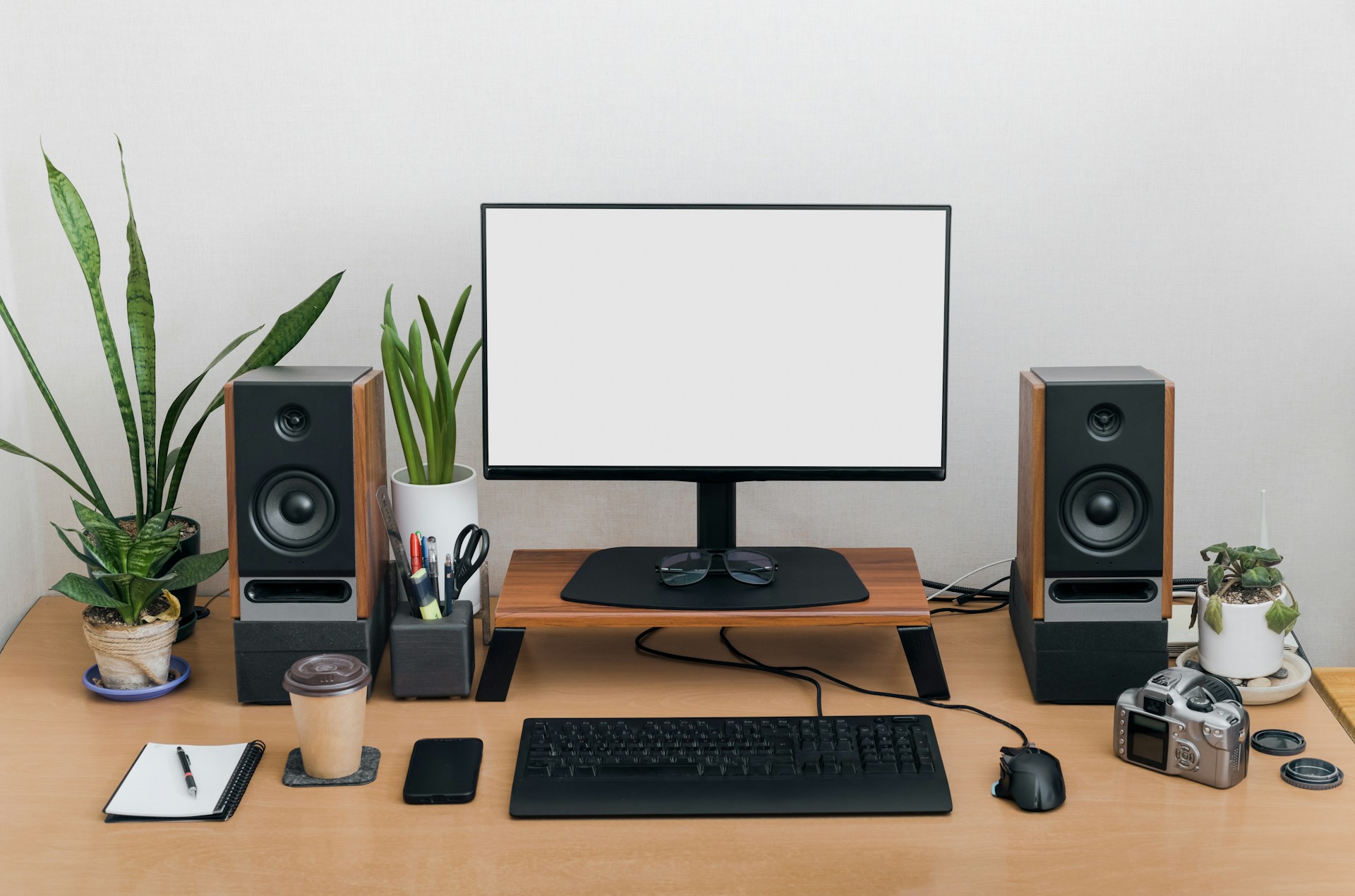
When you think about improving productivity at your desk, you probably imagine upgrading your monitor, getting a better keyboard, or maybe buying a standing desk. But one of the most overlooked upgrades is the humble computer mouse. Most people use whatever came with their computer, not realizing that the way you move your mouse could be slowing you down, straining your hand, and even affecting your posture.
Enter the trackball mouse, a design that’s been around for decades but is making a serious comeback thanks to modern ergonomic engineering. Instead of moving your entire arm to navigate, a trackball lets you control the cursor with your thumb or fingers while your hand stays still. It may sound simple, but this design offers a surprising range of benefits for comfort, speed, and efficiency.
And no brand has perfected the modern trackball quite like Logitech. Their Ergo line, including the acclaimed MX Ergo and Ergo M575, takes everything that was great about traditional trackballs and enhances it with precision engineering, customizable quick keys, and wireless convenience. Whether you are a designer, editor, programmer, or everyday professional, here’s why switching to a trackball mouse can completely change the way you work.
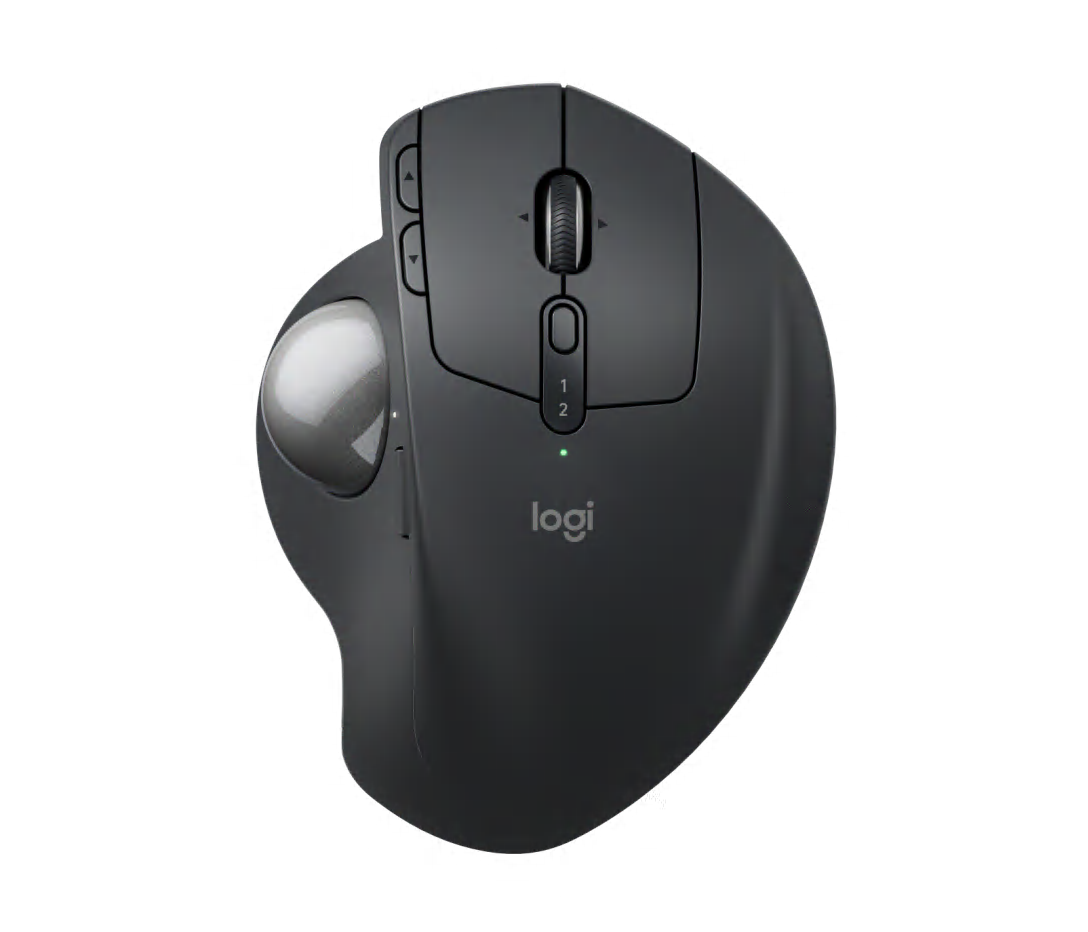
1. Trackball Mice Are Better for Your Body
Traditional mice require you to constantly move your wrist and forearm, which over time can lead to repetitive strain injuries, wrist pain, or even carpal tunnel syndrome. Every movement, especially when repeated over long work hours, adds up.
A trackball mouse changes that equation entirely. Since the mouse itself stays still, your hand, wrist, and arm remain in a neutral, relaxed position. You only move your fingers or thumb to roll the ball, significantly reducing strain and fatigue.
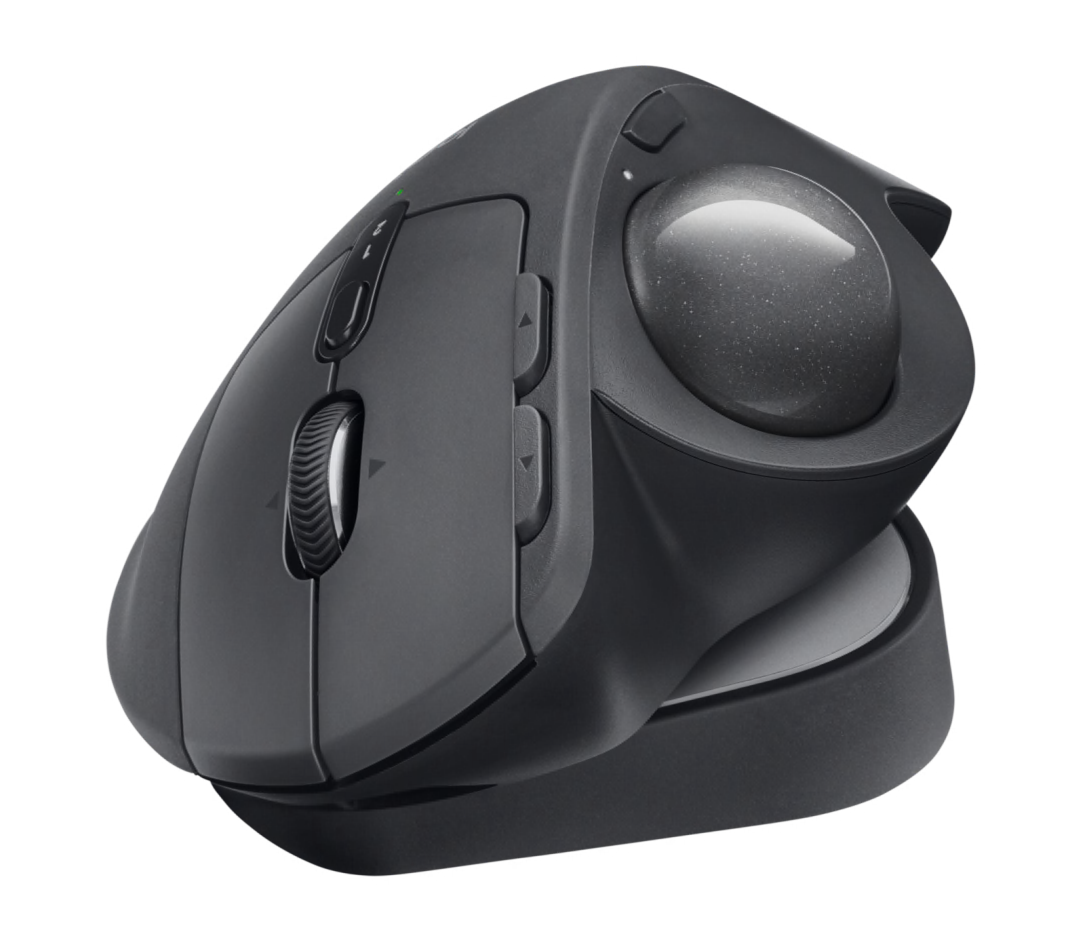
Logitech’s Ergo series takes this ergonomic advantage even further. The MX Ergo, for instance, is designed with a sculpted, adjustable tilt that lets you position your hand at a natural 20 degree angle. This tilt helps reduce muscle tension while keeping your wrist in alignment with your arm. The result is a far more relaxed and sustainable way to work throughout the day.
If you spend hours at your desk, the difference is noticeable almost immediately. Instead of subtle aches by the afternoon, you will find your hand feels fresher, lighter, and more responsive even after long editing or spreadsheet sessions.
2. Less Movement, More Efficiency
Think about how often you move your arm when using a traditional mouse. Every time you reach for an icon, close a window, or drag a file, you are shifting your entire forearm. Those micro movements add up, and over time, they can lead to fatigue and slower workflows.
With a trackball mouse, all cursor control happens under your fingertips. You do not have to move the device around your desk at all. This means you can work faster, with less effort, and in tighter spaces.
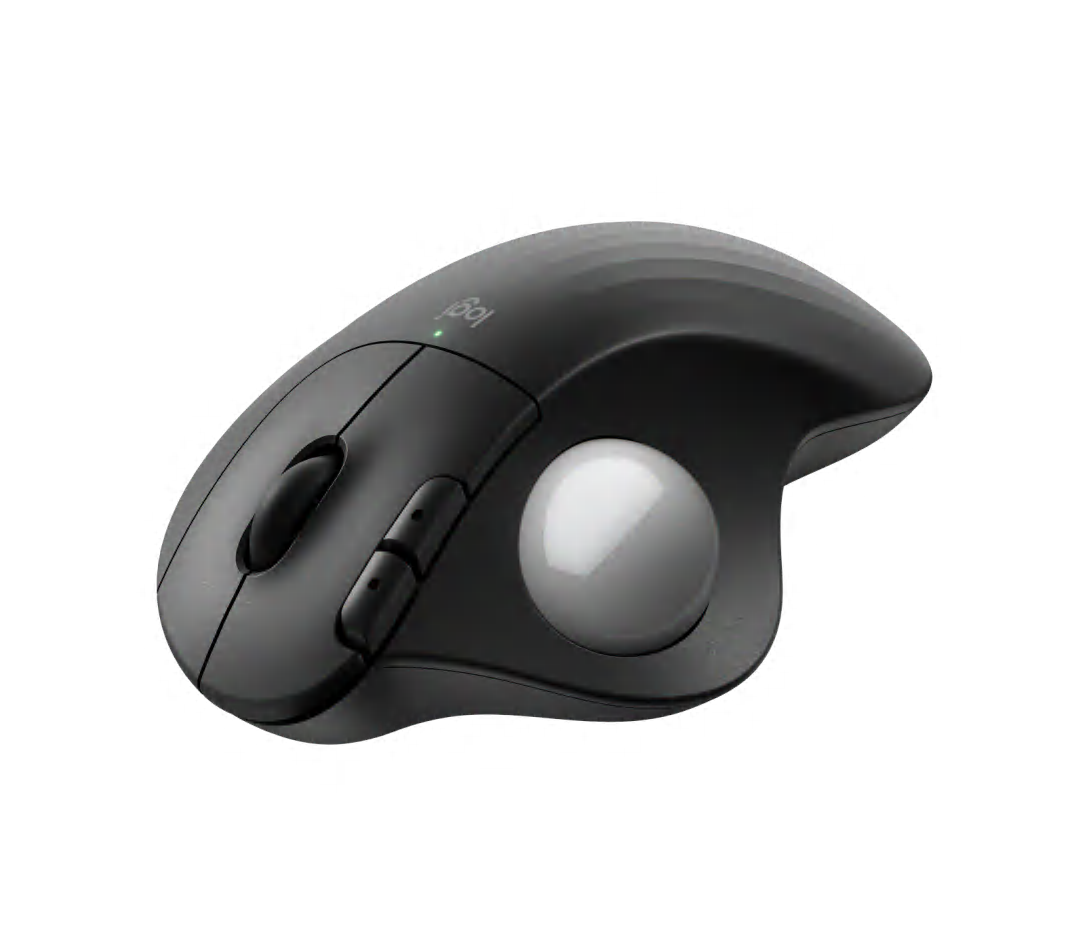
Logitech’s Ergo M575 is a great example of this efficiency. It uses a smooth, precision engineered trackball that gives you pinpoint control without lifting your wrist or sliding your mouse. It is perfect for anyone working at a compact desk, a shared workstation, or even on the couch with a laptop.
Over time, you will notice how this design does not just make you more comfortable, it actually makes you faster. Your cursor goes exactly where you want it, instantly, without wasted movement. That is the kind of small but powerful productivity boost that can make hours of computer work feel effortless.
3. Custom Quick Keys Make Work Smarter
One of the most underrated benefits of Logitech’s Ergo trackball mice is their customizable buttons and quick keys. Logitech’s Options Plus software allows you to map your most common actions like copy, paste, or switching between tabs directly onto your mouse.
Instead of reaching for your keyboard or navigating menus, you can trigger your most used commands with a single click. For people who multitask constantly or use software like Photoshop, Premiere Pro, or Excel, these shortcuts can save minutes every hour, which translates to hours saved each week.
For example, you can configure your MX Ergo to have one button open your most used app, another to switch desktops, or a scroll wheel tilt to zoom in and out. It is not just a mouse, it becomes a personal command center that speeds up your workflow.
And since Logitech’s customization software works seamlessly across devices, you can program your settings once and sync them between your laptop and desktop. The result is an experience that is efficient, intuitive, and built around the way you work.
4. Greater Precision and Control
One of the biggest misconceptions about trackball mice is that they are less precise than regular ones. In reality, a well designed trackball offers superior accuracy once you get used to it, and Logitech’s precision engineering ensures that every movement is smooth, stable, and consistent.
With the MX Ergo, for instance, you can adjust the cursor speed and tracking sensitivity to suit your workflow. Designers can switch to high precision for fine detail work, while spreadsheet users might prefer faster movement for broad navigation.
Because your hand stays stationary, you also get more consistent control, especially on smaller screens or high resolution monitors. There is no jittering or lifting the mouse off the pad, just effortless precision at your fingertips.
5. It Frees Up Desk Space
If you have ever worked on a small desk, a cluttered workstation, or even a couch, you know how limiting a traditional mouse can be. It needs space to move, space you might not always have.
A trackball mouse solves that instantly. Since it does not move around, it works perfectly in compact or unconventional setups. You could use it comfortably on a crowded desk, a narrow armrest, or even a bedside table.
Logitech’s Ergo M575 connects via Bluetooth or USB receiver, so it works seamlessly with both laptops and desktops without cables getting in the way. It is ideal for remote workers, digital nomads, or anyone who values a minimal, clutter free workspace.
6. Designed for the Way You Work
Logitech’s Ergo line is not just built for comfort, it is built for real world productivity. The MX Ergo features a rechargeable battery that lasts up to four months on a single charge, and the M575 runs up to two years on one AA battery.
They also come with multi device connectivity, allowing you to switch between computers with the touch of a button. That means you can go from working on your laptop to controlling your desktop instantly without reconnecting or switching peripherals.
And for those who love to fine tune their setups, Logitech’s design encourages personalization. You can adjust tracking speed, scroll direction, and button assignments, creating a setup that feels uniquely your own.
This level of customization turns a simple pointing device into a powerful productivity tool, one that feels like it was built specifically for your workflow.
7. A Healthier, More Sustainable Choice
Logitech’s Ergo series is not just designed for comfort, it is also built with sustainability and long term use in mind. Many components are made with post consumer recycled plastics, and the company actively reduces carbon emissions across its product line.
By investing in a durable, ergonomic mouse like the MX Ergo or M575, you are not only improving your own health but also supporting more responsible design practices. The build quality ensures your mouse lasts for years, reducing the need for frequent replacements and ultimately reducing waste.
That combination of comfort, longevity, and responsibility makes the Ergo line a smart choice for both your workspace and the planet.
8. The Learning Curve Is Short and Worth It
If you have never used a trackball mouse before, it might feel different at first. Your fingers or thumb control the cursor instead of your whole hand, which can take a few days to get used to. But once you adapt, the improvement in comfort and control is undeniable.
Most users find that within a week, they cannot imagine going back. Tasks like scrolling, zooming, and editing become faster and more fluid, and the reduced physical strain is something you feel every single day.
It is one of those small changes that makes a huge long term difference, a switch that feels less like a luxury and more like an upgrade your hands have been waiting for.
9. The Premium Workhorse You Can Rely On
At the end of the day, your mouse is one of the tools you use most. It is how you interact with almost everything on your computer, and it deserves to be chosen with the same care as your monitor or chair.
The Logitech Ergo line, especially the MX Ergo, is not just another gadget. It is a premium trackball workhorse designed to handle demanding tasks all day long while keeping you comfortable and efficient. With its ergonomic tilt, customizable quick keys, and smooth precision tracking, it is a tool built for serious professionals who value both performance and well being.
If your goal is to work smarter, not harder, switching to a trackball mouse might just be the upgrade you did not realize you needed.
Final Thoughts
A trackball mouse is one of those rare pieces of technology that genuinely improves how you work and how you feel while doing it. It reduces movement, minimizes strain, and enhances precision, all while giving you more control and customization than a traditional mouse ever could.
And when it comes to premium trackball design, Logitech’s Ergo line leads the way. Whether you choose the MX Ergo for its adjustable comfort and programmable buttons or the Ergo M575 for its simplicity and long battery life, you are getting a tool that is built to improve your workflow, protect your body, and make every click feel effortless.
If you spend long hours at your desk, it is time to give your hand and your productivity the upgrade they deserve.